 Kipzy
Kipzy for ChromeFree ad blocker for Chrome.
Block ads and trackers. Send any page to your iPhone.
Ad blocker
Block ads and trackers in Chrome
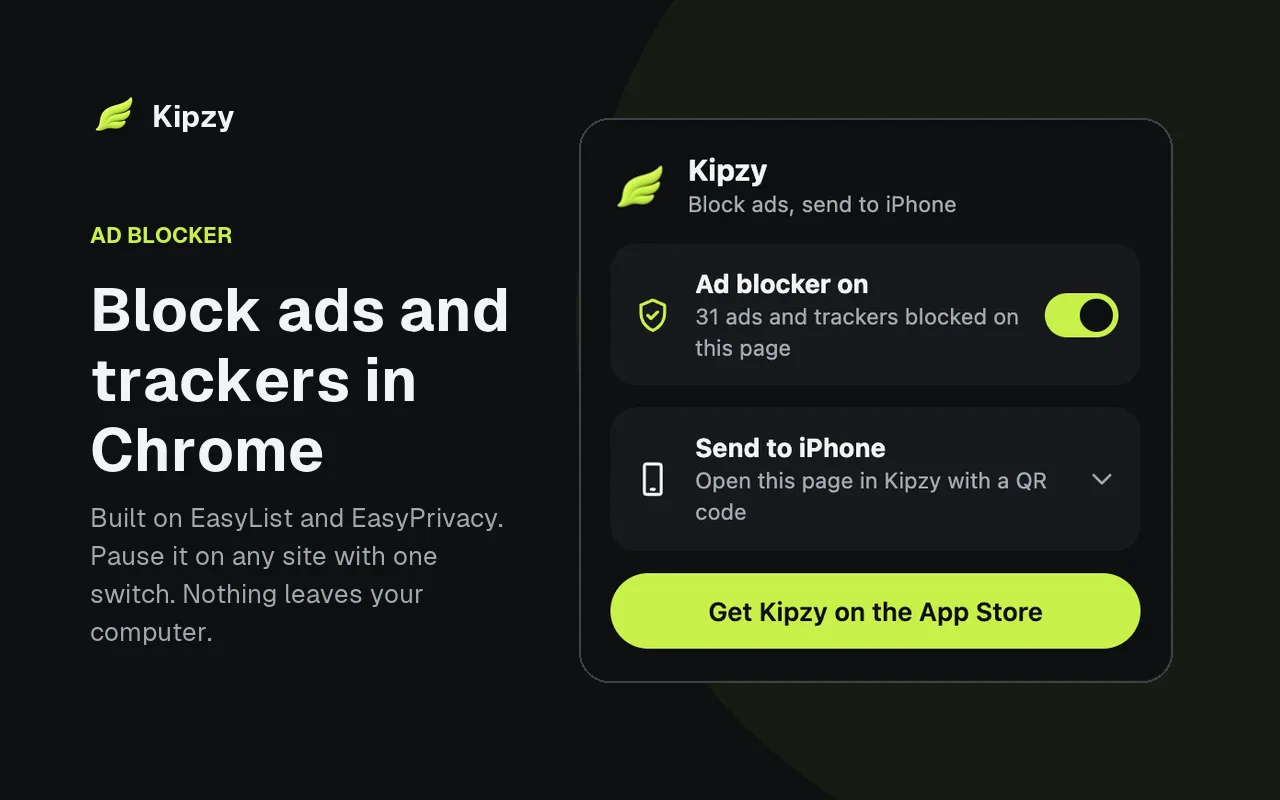
Kipzy uses EasyList and EasyPrivacy, the same filter lists trusted by most ad blockers, and hands them to Chrome’s built-in blocking engine. Pages load faster and the extension never slows Chrome down.
- Blocks ads and trackers on every site.
- Shows how many were blocked on the current page.
- Pause it on any site with one switch.
Send to iPhone
Send a page from Chrome to your iPhone
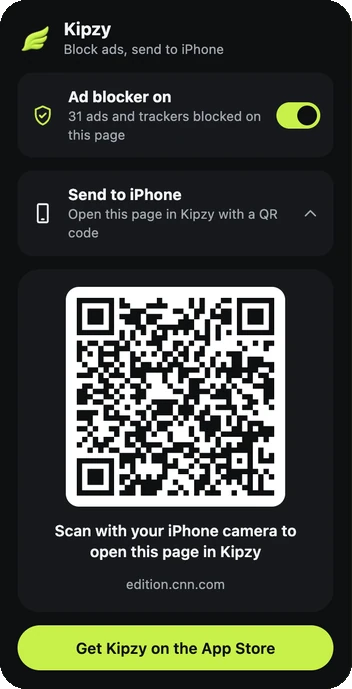
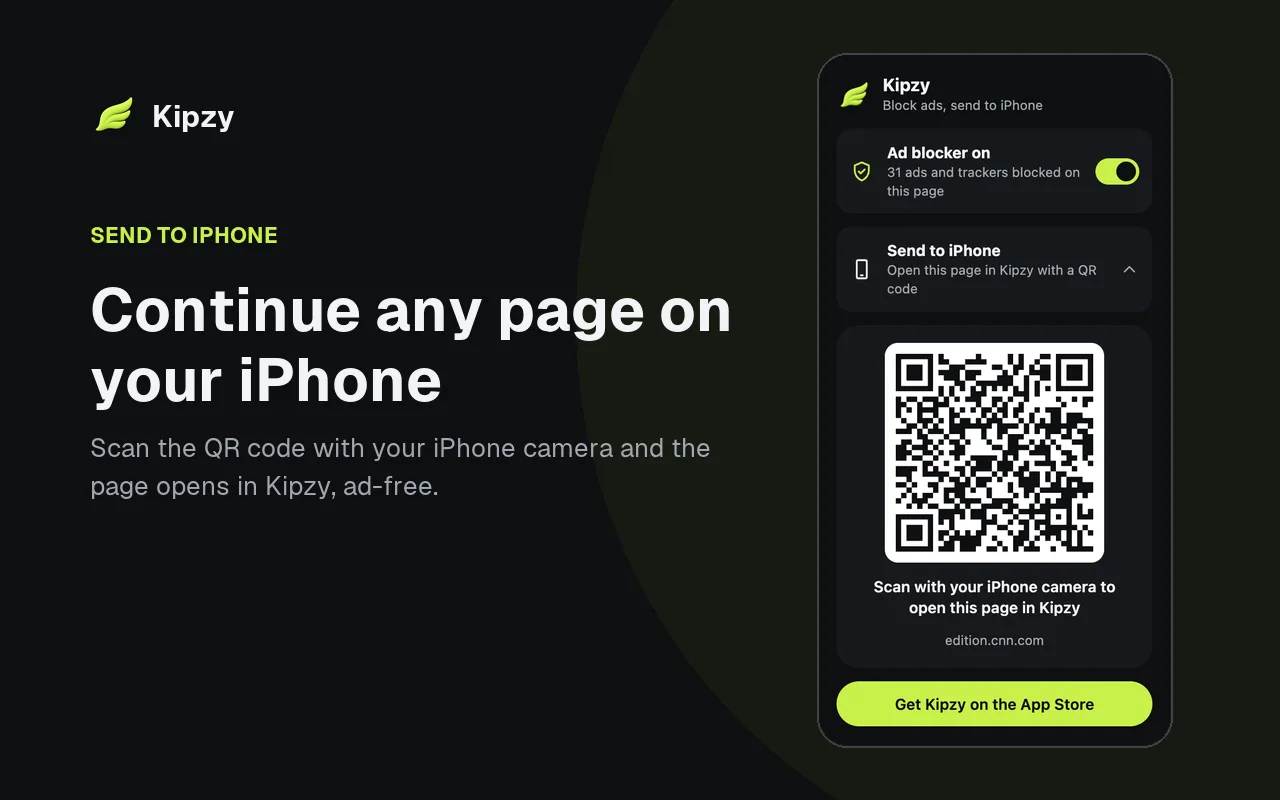
Click Send to iPhone and scan the QR code with your iPhone camera. The page opens in Kipzy, the fast, private browser for iPhone, without ads. No account, no pairing, no syncing.
- Works with the iPhone camera, no app setup needed.
- Opens the exact page you were reading.
- Nothing is uploaded: the link lives in the QR code.
Save video
Save videos from your computer to your iPhone
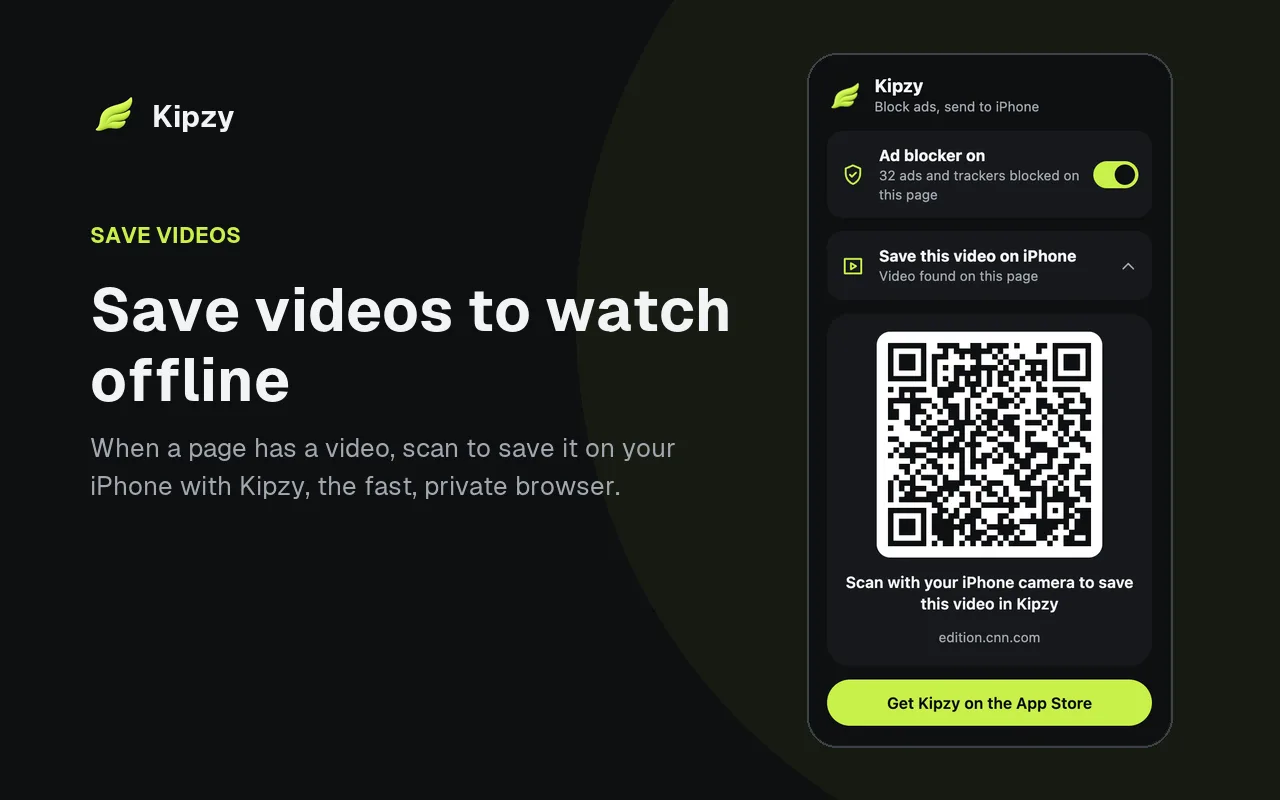
On pages with a video, the button becomes Save this video. Scan it and Kipzy opens the page on your iPhone, ready to save the video and watch it offline.
- Finds the video on the page for you.
- Watch offline on the plane, train or anywhere without signal.
- Saved videos stay in Kipzy, out of your photo library.
How to install
- 1
Add to Chrome
Open Kipzy on the Chrome Web Store and click Add to Chrome.
- 2
Pin it
Click the puzzle icon in the toolbar and pin Kipzy, so the blocked count is always visible.
- 3
Browse
Ads are blocked right away. Click the icon to pause a site or send the page to your iPhone.
Private by design
Kipzy for Chrome asks for as little as possible. It has no access to your sites until you click its button.
No account, no tracking and no data collection.
Chrome applies the blocking rules itself. The extension never reads your pages to block ads.
It looks at the current tab only when you click its button.
No host permissions, so it can’t read or change sites in the background.
Questions
Is Kipzy for Chrome free?+
Yes. The ad blocker and Send to iPhone are free, with no account and no limits.
Does it work with Manifest V3?+
Yes. Kipzy is built for Manifest V3 and uses Chrome’s declarativeNetRequest engine, so it keeps working after Chrome turned off older ad blockers.
Which filter lists does it use?+
EasyList for ads and EasyPrivacy for trackers. They are maintained by volunteers and updated with new versions of the extension.
A site is broken or asks me to turn off my ad blocker. What do I do?+
Click the Kipzy icon and turn the ad blocker off for that site. Blocking stays on everywhere else, and you can turn it back on at any time.
How do I send a page from Chrome to my iPhone?+
Click the Kipzy icon, then Send to iPhone, and point your iPhone camera at the QR code. Tap the link and the page opens in Kipzy, or on the App Store if Kipzy isn’t installed yet.
Do I need the iPhone app?+
Only for Send to iPhone and saving videos. The ad blocker works on its own in Chrome. Kipzy for iPhone is a free download.
Does it work in Edge, Brave or other browsers?+
Kipzy is made for Google Chrome. Other Chromium browsers that install extensions from the Chrome Web Store, like Edge and Brave, can usually run it too.
Can it save YouTube videos?+
No. Save this video doesn’t appear on YouTube. You can still send any YouTube page to your iPhone.
Guides
- How to Block Ads in Chrome in 2026 (After uBlock Origin)
- How to Send a Web Page From Your Computer to iPhone
Kipzy on iPhone
The same ad blocking on your phone, plus video saving, private tabs and Kipzy AI.
See the iPhone app