 Kipzy
Video saverSave videos from almost any site.
When a page has a video, a Save button appears. Pick the video and the quality, and watch it later, even on a plane.
What you get
Finds every video
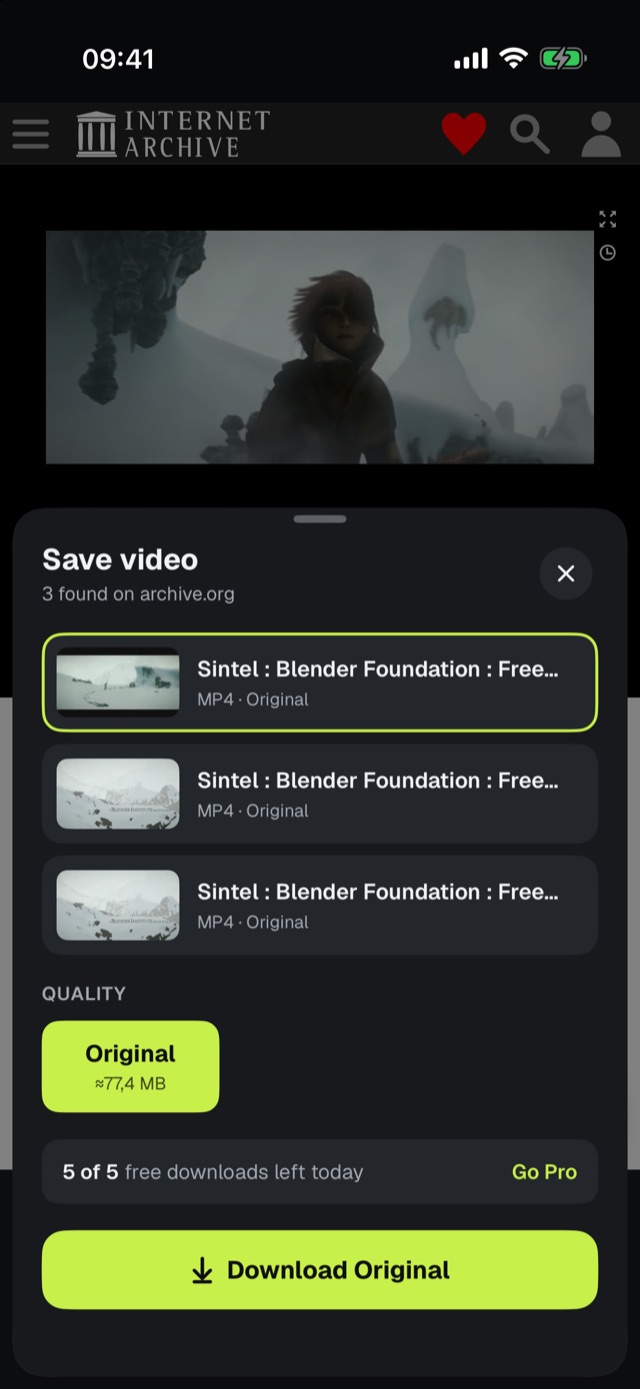
Kipzy lists the videos playing on the page, so you pick the right one.
Choose the quality
See each quality and its file size before you download.
Background downloads
Downloads keep going when you leave the app, with pause, resume and automatic retries.
Folders
Sort saved videos into folders and pick up where you left off.
Private folder
Hide videos in a folder only you can open with Face ID. Included with Pro.
Picture in Picture
Keep watching in a small window while you use other apps.
How it works
- 1
Play the video
Open the page and start the video you want to keep.
- 2
Tap Save video
The Save button appears as soon as Kipzy finds a video on the page.
- 3
Pick and download
Choose the video and the quality, then tap Download. Watch it anytime in Downloads.
Pick the video and the quality.
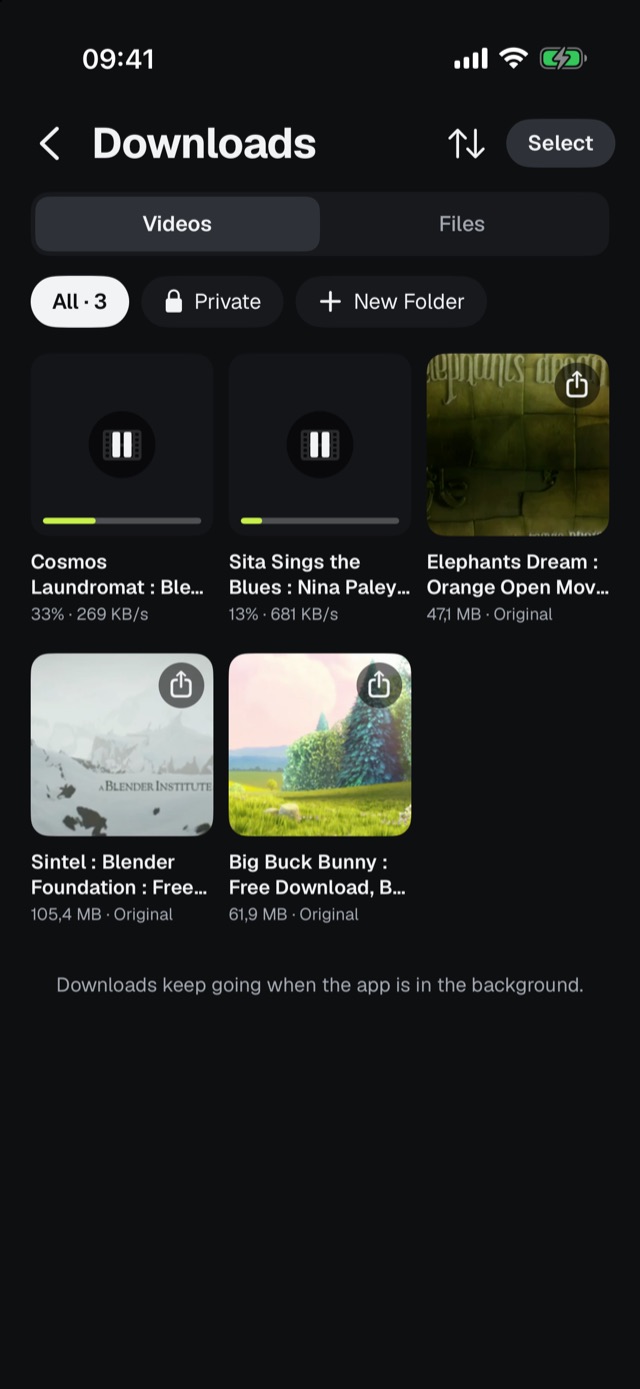
Your own offline library.
Questions
Which videos can I save?+
Kipzy finds videos that play on a page as regular video files or streams. Protected (DRM) videos and live streams can't be saved. Only save videos you have the right to keep.
How many videos can I save for free?+
You can save 5 videos a day for free, and watch a short ad to unlock more. Pro removes the limit and saves in the best quality.
Do failed downloads count toward my daily limit?+
No. Only downloads that finish count, and the limit resets at midnight.
Can I download on mobile data?+
Yes. To save data, turn on Settings → Download on Wi-Fi only, and downloads wait until you are on Wi-Fi.
Guides
- How to Save Videos on iPhone to Watch Offline (2026 Guide)
- How to Hide Videos on iPhone (and Lock Them with Face ID)
- How to Save Data on iPhone: 8 Settings That Cut Cellular Use